
One dashboard image: keep the text sharp
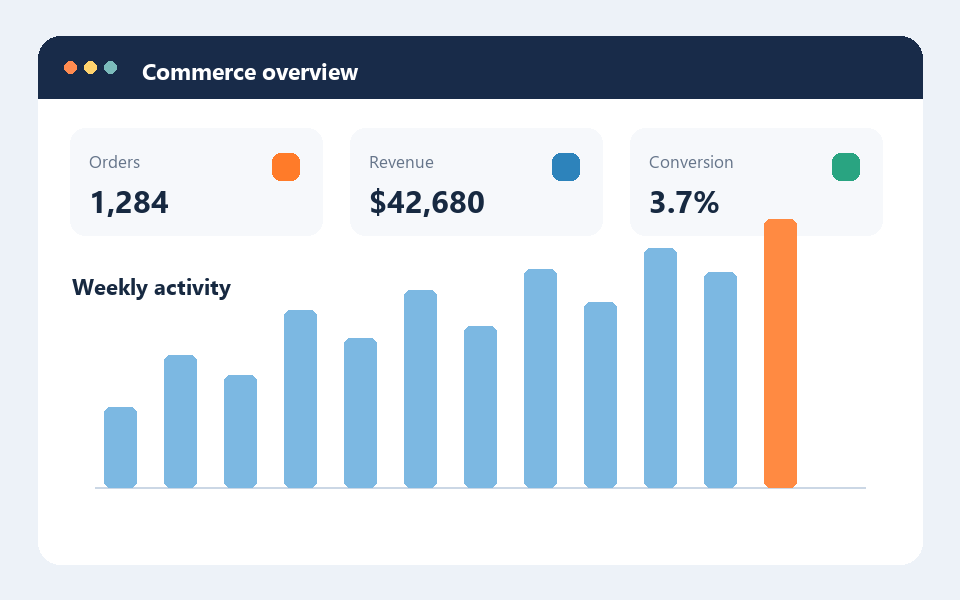
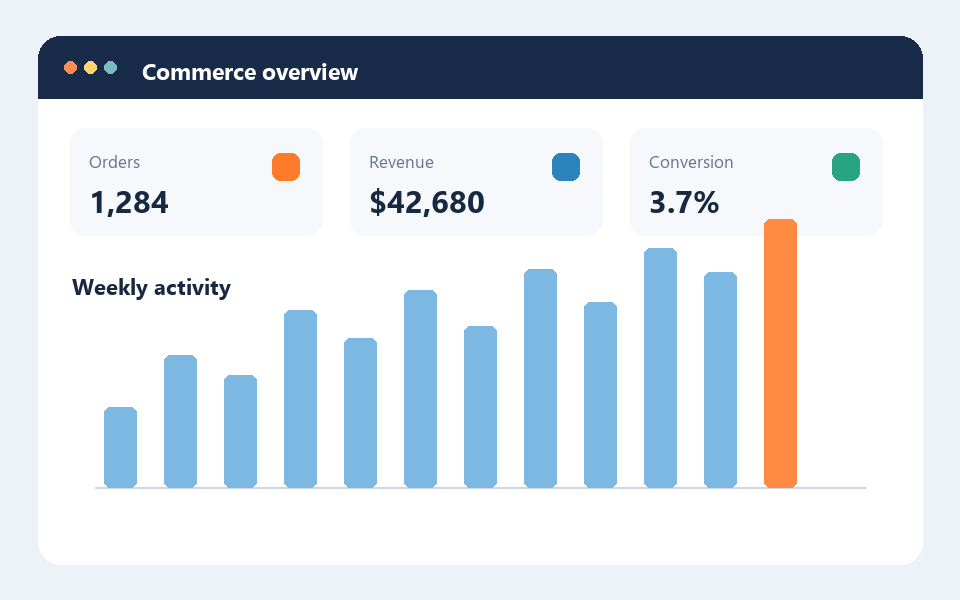
The original 960 × 600 PNG is a small dashboard graphic with labels and bars. At optimization level 3, with the target-size option off, the bundled Oxipng encoder reduced it from 19,664 B to 15,686 B (20.2%). Width, height and decoded pixels stayed the same. This is a useful route for UI screenshots where small labels must remain crisp.
Download the source PNG and download the result PNG. Compare their dimensions and zoom in on the labels; the two images should look identical.
Try your own screenshotOpen the single PNG compressor
Reproduce the single-file test
- Open the compressor and choose the source file above.
- Set optimization level to 3. Leave “Compress under a size limit” off; that option may resize pixels if lossless compression misses the target.
- Run compression and compare original size, result size, dimensions and preview. Download the result only if it is useful for your destination.
Three icons: one setting, three results
Three original 512 × 512 PNG icons were processed at level 3 with “Fit within dimensions” off. Their combined size fell from 13,549 B to 5,280 B (61.0%). The individual results were 3,968 → 1,350 B, 4,794 → 2,089 B, and 4,787 → 1,841 B. The saved bytes vary because each source has different image data. ZIP packaging adds its own overhead and is excluded from these figures.
For a mixed queue, check each row before downloading. An already optimized PNG may be retained unchanged; a failed item can be retried without losing successful results. Large images use browser memory, so process manageable batches.
Process a group of PNGsOpen the batch PNG compressor
When a smaller number is not enough
Lossless optimization preserves pixels, but there is no promise of a smaller file. If the source is already well optimized, use the original. If you enable a target file size or a shared maximum width and height, the tool may resize the image; check small text, icons and transparent edges at the final display size. Use PNG when transparency or pixel-perfect UI details matter. For photographic content, compare an appropriate photo format separately rather than forcing PNG to meet an arbitrary byte target.
How these figures were produced
The downloadable sample artwork was created for this test. Each source was run through the same bundled Oxipng WASM encoder used by PNGDock, at level 3 with resizing disabled. Byte counts refer to the individual PNG files, not to ZIP archives or page transfer sizes. Different browsers and source images can produce different timing and savings.