Best for
Simple logos, icons, line drawings and illustrations with clear edges and a small color palette.

PNG vectorizer
Turn PNG logos, icons and illustrations into editable SVG paths. Preview the result and download it for free. Your image stays in your browser.
Vectorize an image
No image selected
Tip: press Ctrl+V to paste a screenshot.
Start with clear-edged icons and flat artwork. Compare the result with the original.
Photos, gradients and tiny text rarely trace faithfully; higher detail can make the SVG much larger.
Fewer colors make a simpler SVG; more colors can preserve detail but add paths.
Tracing runs in your browser. Your PNG is not uploaded.
This tool traces the shapes and colors in your PNG and creates SVG paths. The output remains scalable, but automatic tracing is an approximation of the raster image. It does not recover the original design layers or fonts.
Simple logos, icons, line drawings and illustrations with clear edges and a small color palette.
Photos, tiny text and noisy screenshots can create large SVG files with imperfect edges. Try fewer colors or a simpler source image.
REAL TEST
Try the same sample above, or inspect the original and traced file below.


9.7 KB PNG 14.4 KB SVG90 paths · output is 48% larger
MORE REAL TESTS
These are actual PNGDock outputs at the same Balanced preset and 8 colors. Download both files or load the PNG into the tool to repeat the test.


3,968 B PNG → 2,219 B SVG · 5 paths
The main bars and silhouette survive; the soft shadow is simplified. Check the edge at your intended size.
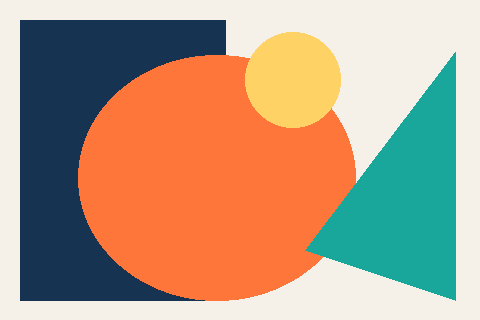
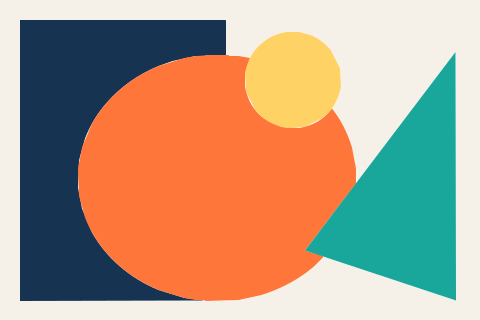
2,924 B PNG → 1,940 B SVG · 5 paths
Large color regions stay recognizable. This is a useful starting point for editing shapes.


8,756 B PNG → 38,674 B SVG · 237 paths
Small letters lose clarity; the paths are not editable text and the output is 4.4× larger. Keep the PNG or use the original font source.
Fixed test set · Flat illustration preset · 8 colors · exact file bytes. Results vary with artwork. Read the SVG vs PNG guide
FAQ
Yes. You can trace and download SVG files without an account or watermark.
Yes. The downloaded SVG contains traced paths, not an embedded PNG. The shapes are approximated from the original pixels.
No. The image is decoded and traced locally in your browser.